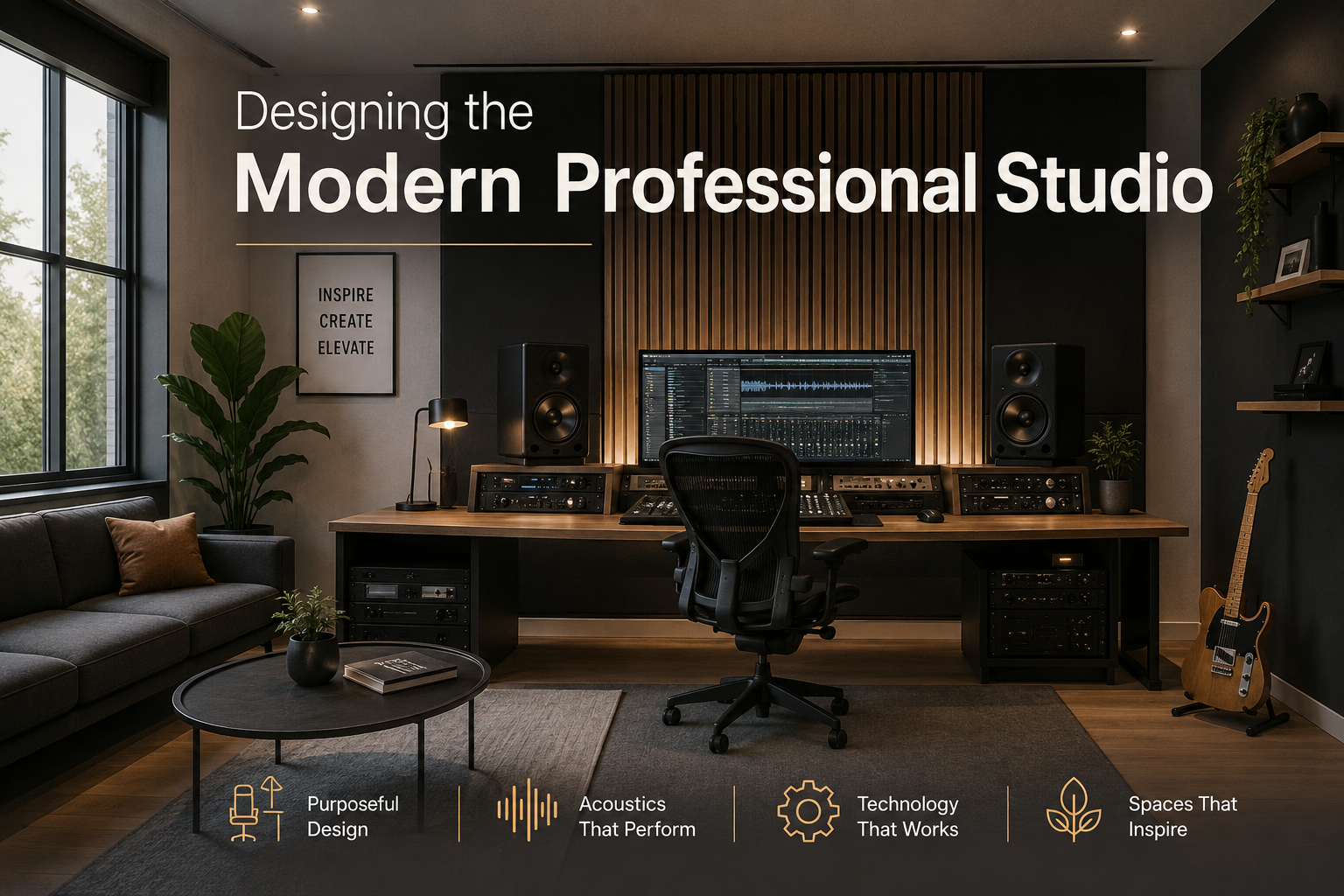
When we look at a finished workspace, we usually see the surface level: the warmth of natural wood grains, the clean alignment of a frame, or the texture of a premium knit upholstery. What remains hidden from the untrained eye is the intense engineering system behind it. Commercial office furniture design is moving away from purely aesthetic iterations and transitioning into high-level industrial systems engineered for scalability, weight inclusivity, and immediate distribution.
By viewing furniture not as a decorative accessory but as critical structural infrastructure, we bridge the gap between regional styles like Japandi minimalism and global performance certifications. To build an office that functions flawlessly under the demands of a modern workflow, one must look at how commercial design, manufacturing standardization, and load-bearing parameters shape the products we use daily.
The Macro View: Designing for Global Deployment and Scale
Creating a single high-quality prototype in a workshop is a relatively straightforward task for a skilled craftsman. The real challenge for a manufacturer is consistency at scale. Producing hundreds or thousands of units that perform identically, look indistinguishable, and feel exactly the same over months of heavy usage requires moving beyond raw creativity into rigid system control.
International enterprise environments require furniture that accommodates high-frequency rotation and varying corporate demands. A workstation deployed in a rapid-growth tech incubator must prioritize modular flexibility, whereas an institutional firm may require uniform consistency across multiple floors. Manufacturers must design products with these disparate use cases in mind from the very first sketch.
Furthermore, shipping efficiency must be considered during the initial design phase. If a desk frame or seating mechanism is too bulky to pack tightly into flat-pack shipping containers, the environmental footprint and transportation cost skyrocket. True manufacturing excellence lies in designing products that maximize space during transit without compromising their physical durability or ease of assembly when they arrive at your door.
The Psychology of Fast-Moving SKUs
In the commercial landscape, time is an operational risk. When a business opens a new branch or an independent professional establishes a dedicated home studio, long procurement timelines can stall momentum. This operational reality has driven the demand for fast-moving Stock Keeping Units (SKUs)—standardized, ready-made furniture components that are manufactured in volume and held in ready-stock inventories for immediate dispatch.
Ready-made furniture offers businesses rapid deployment and a predictable standard of quality. To achieve this, manufacturers utilize modular planning. Instead of constructing entirely custom frames for every product line, components are engineered to be interchangeable. A single universally designed base can support various top finishes, and a standard control mechanism can be integrated into multiple seating configurations.
This modularity allows users to scale their environments efficiently as their operational needs evolve over time. By selecting pre-configured furniture systems, you eliminate the guesswork of mismatched components, ensuring your layout remains balanced and integrated.
Why Weight Capacity and Load Testing Define Durability
The structural integrity of a seating system is defined by parameters that are completely invisible after assembly. An office chair might feature premium external styling, but its real-world performance depends entirely on internal engineering components: the thickness of the internal steel frame, the density of the molded foam, the rating of the hydraulic gas lift, and the tensile strength of the base.
The office chair weight limit is a primary metric of design safety and inclusive engineering. Standard commercial-grade furniture is typically required to undergo testing to sustain a minimum active load capacity of 300 pounds (approximately 136 kg). For heavy-duty settings or shared workspaces with high rotational use, premium engineering must push past these benchmarks to resist material fatigue under continuous multi-shift cycles.
To guarantee these limits, premium production lines incorporate automated stress testing. Specialized pneumatic cylinders apply repetitive pressure, impacts, and torque to various components of the frame over thousands of simulated usage hours. This rigorous calibration ensures that whether a batch consists of fifty units or five thousand, every single frame can withstand the daily mechanical stresses of a long-term corporate lifecycle without developing structural slack, component squeaks, or premature system failure.
Balancing Thermal Control with Dynamic Posture Management
When managing your workspace performance, look beyond basic adjustments to optimize your physical environment. In tropical, humid climates, thermal regulation is an essential part of focus. If a seating surface traps ambient body heat, it causes localized discomfort, inducing subtle restlessness that breaks your concentration.
Integrating a high-performance mesh chair into your setup addresses this issue through material design. Rather than trapping heat like traditional thick leather or heavy foam, high-tensile mesh allows for continuous passive airflow. The material acts as an engineered suspension system, conforming flexibly to your movements and distributing your body weight evenly across the surface. This continuous regulation mitigates physical fatigue and keeps your focus locked on your primary objectives.
To maintain focus during extended work blocks, you also need targeted structural resistance. This requires choosing specialized office chairs with back support that feature dynamic lumbar tracking. A properly engineered backrest should follow your natural movements, maintaining steady contact with your lower back whether you lean forward to type or tilt back to review a document. By providing targeted pelvic and lumbar resistance, these systems prevent the slouching that leads to shoulder tension and lower back compression.
Fluid Transitions: The Impact of Adjustable Work Surfaces
The modern workflow requires physical versatility. Remaining locked in a single static position all day restricts blood circulation and leads to localized muscle tightness. Incorporating standup desks into your environment introduces a dynamic rhythm to your day, allowing you to transition between seated focus and standing engagement without disrupting your workflow.
The real benefit of a motorized adjustable desk lies in its precision. Standard fixed-height desks are mass-produced to a default height of 75 centimeters, which rarely fits the physiological needs of the individual user. An adjustable system allows you to calibrate the surface level to the exact millimeter that keeps your forearms completely parallel to the ground and your shoulders relaxed. When you choose to stand, a silent dual-motor system raises your entire workflow smoothly, encouraging movement and improving energy levels during long work cycles.
Actionable Strategy: Executing a Production-Grade Workspace Audit
To align your home studio or corporate office with professional engineering standards, perform this structured four-point evaluation:
1. The Clearance and Reach Audit
Clear your immediate desktop surface of any tools or peripherals not used on a daily basis. Arrange your mouse, keyboard, and primary hardware within a 25-centimeter radius of your natural resting elbow position. This establishes your neutral reach zone, preventing your shoulder joints from rotating outward and protecting your rotator cuffs from repetitive strain over long periods of micro-movements.
2. The Axial Alignment Test
Sit deeply into your chair with your pelvis firmly against the backrest. Adjust the height of your seat so your feet rest completely flat on the floor with your knees bent at a clean 90-degree angle. If your desk height cannot be altered to meet this position comfortably, raise your chair to match the desk surface and implement a solid footrest to ensure your lower extremities remain supported.
3. The Monitor Placed-Distance Verification
Extend your arm straight out in front of your body while sitting in your natural working posture. Your fingertips should just lightly brush the front glass of your primary digital display. Next, check the height: the top third of your display panel should align perfectly with your horizontal line of sight. This configuration prevents your neck from tilting downward, protecting your cervical spine from tracking errors.
4. Acoustic and Sensory Optimization
Hard, flat surfaces reflect sound waves, creating micro-echoes that increase environmental noise and degrade audio quality during virtual collaborations. Soften your workspace by introducing a dense felt desk mat, woven area rugs, or fabric partitions. This absorbs high-frequency sound reflections and lowers ambient sensory input, allowing your brain to process deep cognitive tasks with minimal environmental distraction.
Designing Spaces Built for Endurance
Ultimately, a home office or commercial workspace is far more than a simple collection of standalone furniture items. It functions as an integrated operational environment that can either actively support your health or slowly compromise your physical stamina.
By understanding the manufacturer’s focus on weight ratings, material choice, and equipment synergy, you can transition from a casual, reactive setup to a highly optimized space built for endurance. Invest in high-tensile components, match your chair’s support with an adjustable surface, and create a balanced environment that protects your physical health and fosters consistent, professional focus.